Comparing “The Brennan” to Mac Mini for a home jukebox setup
Rip songs from my CDs and create a home entertainment system similar to a jukebox.

Somehow the Meta data servers found out I have 600+ CDs sitting in my basement and over the last 6 months, I started to receive targeted marketing about “The Brennan” as an option.
With the eventual goal to digitize my CD collection for a home jukebox-style setup, I decided to ask ChatGPT to help me make the choice between The Brennan and a Mac Mini.
Ripping a CD is the process of copying its audio tracks to a computer as playable files (like MP3, FLAC, or ALAC) with song info and album art.
It came down to how much I wanted plug-and-play simplicity versus flexibility and long-term control.
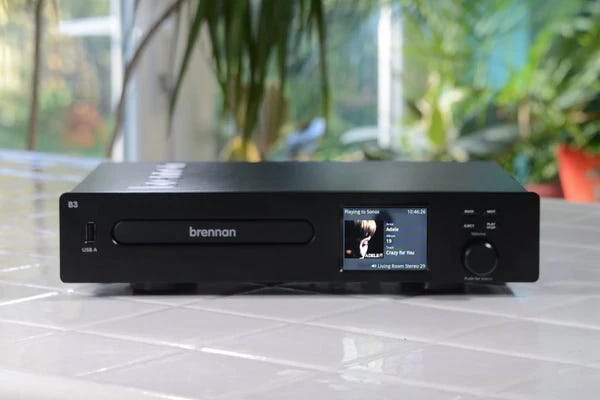
1. The Brennan
https://thebrennan.com
Pros
All-in-one appliance: insert a CD, it rips, stores, and organizes automatically.
Simple interface for browsing music.
Compact, low power use, designed specifically for home audio.
Streams to Sonos, Bluetooth speakers, or wired Hi-Fi without much tinkering.
Cons
Proprietary ecosystem — limited flexibility if you later want to reorganize files or move to another platform.
Not the fastest ripper, and metadata accuracy can sometimes be spotty.
Internal storage is fixed — upgrading may be tricky.
Costs quite a bit for the convenience (compared to what’s inside, tech-wise).
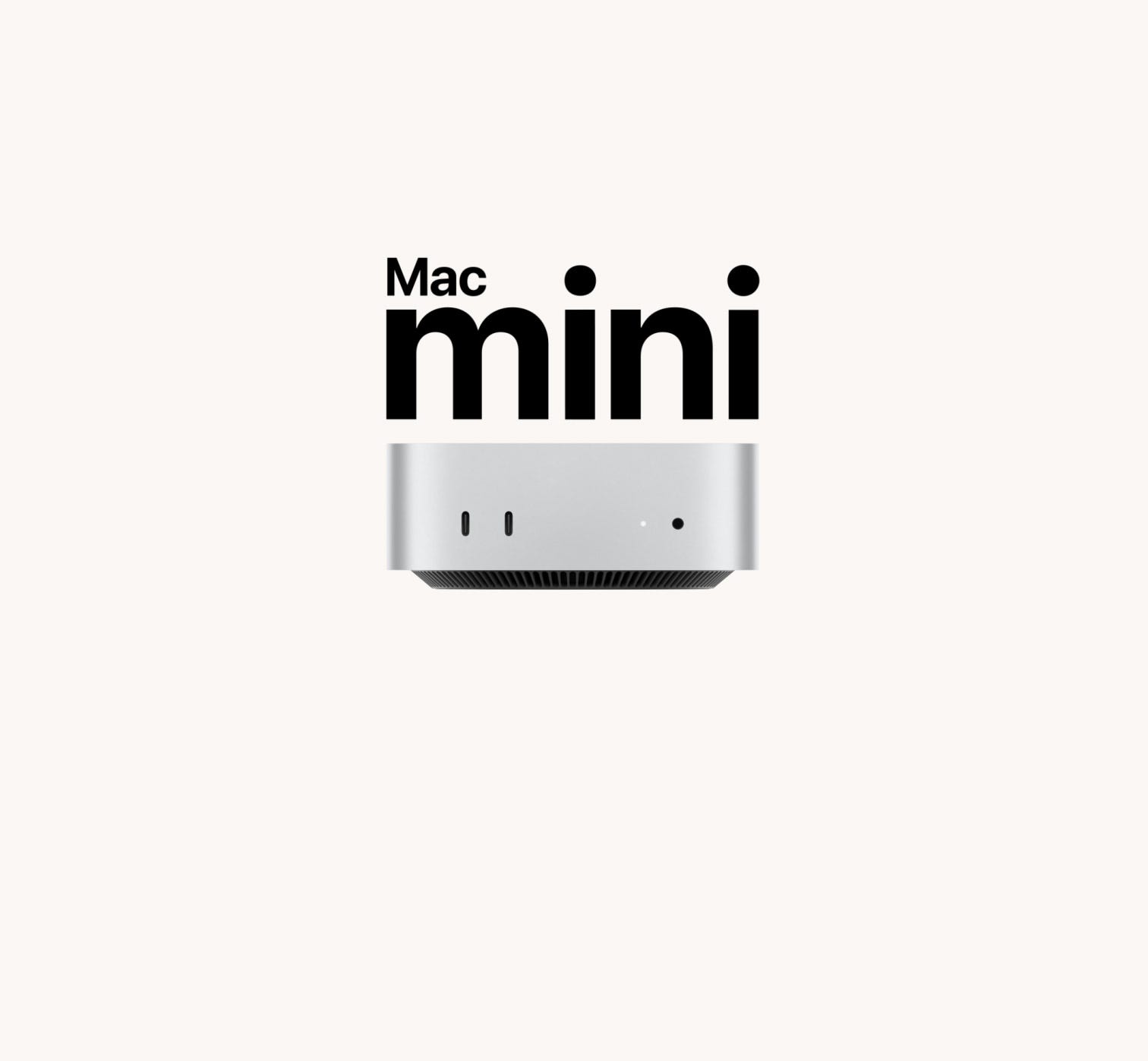
2. Mac mini
https://www.apple.com/mac-mini/
Pros
Extremely flexible: you can choose your own ripping software (e.g., XLD, dBpoweramp) for better accuracy and metadata.
Easy to upgrade storage (external drives, NAS integration).
Can run iTunes/Music, Plex, Roon, JRiver, etc. — you’re not locked into one system.
More powerful for future uses (movie server, light gaming, office work, streaming).
Cons
Less “push-a-button” convenience — you’ll be doing more setup and maintenance.
Requires a separate external CD/DVD drive.
Slightly steeper learning curve for automation.
Verdict
I’m going with the Mac Mini, for the long term payoff and more control.
If you want maximum ease and a dedicated music box you’ll never repurpose: The Brennan is like buying a toaster — push the lever and it just works.
If you want more control, better ripping accuracy, and the option to expand into a full media server (and maybe future-proof the investment): Mac mini wins.
Given the size of your collection, which is a one-time but big job, the Mac mini is recommended. You’ll get faster, get better metadata, and you won’t be locked into Brennan’s ecosystem. You can still set it up to behave like a “jukebox” with something like Plex Amp, Roon, or even Apple Music for the living room experience.
CD ripping time measurement
It’s Time to rip it, rip It good!
Brennan
Let’s average 10 minutes/CD.
600 CDs × 10 min = 6,000 min
6,000 min ÷ 60 = 100 hours of active ripping time
(That’s ~3–4 weeks if you rip 3–4 hours a day.)
Mac mini setup
Let’s average 4 minutes/CD.
600 CDs × 4 min = 2,400 min
2,400 min ÷ 60 = 40 hours of active ripping time
(That’s ~1 week if you rip 5–6 hours a day.)
Key Difference
That’s 60 hours saved — and you’ll also have:
More accurate rips (secure mode & error correction).
Higher quality metadata (multiple online databases).
Easier library management for the long term.
Alright — let’s build a “Brennan-like” Mac mini music server that rips all your CDs quickly, organizes them perfectly, and serves them as a slick home jukebox.
Step 1 — The Hardware Setup
Mac mini (even a used M1/M2 is fine — ripping is CPU-light).
External CD/DVD drive — something reliable with good ripping speed (e.g., LG GP65NB60 or Pioneer BDR-XD07B).
External storage (optional, but recommended) — a 2–4TB USB drive or NAS for your music library.
Network connection — Ethernet if possible for stability.
Step 2 — The Ripping Process
Choose your ripping software (accuracy and metadata matter here):
dBpoweramp (paid, best for speed & metadata accuracy).
XLD (free, great quality, but a bit more manual).
Exact Audio Copy (EAC) (Windows-only, so not for Mac unless you virtualize).
Set ripping format:
Lossless: FLAC (most universal) or ALAC (best if you stick with Apple ecosystem).
Enable automatic metadata fetching (artist, album, track names, cover art).
Batch rip — with dBpoweramp you can insert CD after CD and it’ll just go.
Step 3 — The Library Organization
Store files in a Music folder with structure: Artist → Album → Tracks
Keep naming consistent: 01 - Track Name.flac
Back up the library (ideally to another external drive or NAS).
Step 4 — The Jukebox Software
Here’s where you make it “Brennan-like”:
Option A —
Plex + Plexamp
Plex Server runs on the Mac mini.
Plexamp app (desktop, phone, tablet) gives you a beautiful, modern jukebox interface.
Streams to smart speakers, AirPlay, Chromecast, Sonos.
Bonus: remote access to your library anywhere.
Option B —
Roon
More high-end, audiophile-focused.
Gorgeous interface, deep metadata (artist bios, liner notes, related artists).
Costs $12.99/mo or $829 lifetime.
Option C —
Apple Music (Local Library Only)
Already built into macOS.
Works seamlessly with iOS devices, HomePods, and AirPlay speakers.
Less customizable than Plex/Roon, but dead simple.
Step 5 — Automation & Convenience
Set the Mac mini to auto-boot into your jukebox software.
Use a wireless keyboard/trackpad or even a tablet as a remote.
If you use Plex/Roon, you can control everything from your phone — no monitor needed.
Keep the Mac mini on 24/7 for instant access.
Step 6 — Output to Your Audio System
Direct USB to DAC → amplifier → speakers.
Or AirPlay to compatible receivers/speakers.
Or Bluetooth for casual listening.
✅ Result:
You get Brennan-like simplicity, with:
Faster ripping.
Better metadata.
Future-proof storage.
Ability to stream anywhere, not just in your living room.
Full control over your files.
Here’s a realistic cost breakdown for a Mac mini CD-ripping + jukebox setup (as of mid-2025 prices in the U.S.):
1. Mac mini
New M2 Mac mini (8GB/256GB) – ~$599
Used/Refurbished M1 Mac mini – ~$400–$450 (Even a used 2018 Intel Mac mini could work for under $350, but M1/M2 will be faster & more future-proof.)
2. External CD/DVD drive
Reliable, slot-load or tray-load model with good ripping speed.
LG GP65NB60 – ~$30
Pioneer BDR-XD07B (Blu-ray + great CD ripping) – ~$90
3. External storage
2TB USB hard drive – ~$60
4TB USB hard drive – ~$90 (Optional but recommended so your main library isn’t on the Mac’s internal SSD.)
4. Ripping software
dBpoweramp – ~$39 one-time
XLD – Free (but less automated)
5. Jukebox software (optional upgrades)
Plex – Free (Plex Pass with extra features is $5/mo or $120 lifetime)
Roon – $12.99/mo or $829 lifetime (audiophile choice)
Apple Music app – Free on Mac
Estimated Total
Budget build (used M1 Mac mini, basic drive, 2TB storage, free software) → ~$540
Mid-range (new M2 Mac mini, good drive, 4TB storage, dBpoweramp) → ~$780
High-end (new M2 Mac mini, premium drive, 4TB SSD, Roon lifetime) → ~$1,600+
I myself, will probably go with the mid-range choice. Glad I now have these steps mapped out and I’ll share the setup once I’m done.